
PMC Visitor
Sign-in at reception for visitors, staff and contractors, with badges, safeguarding information and a fire register that is always up to date.
What it does
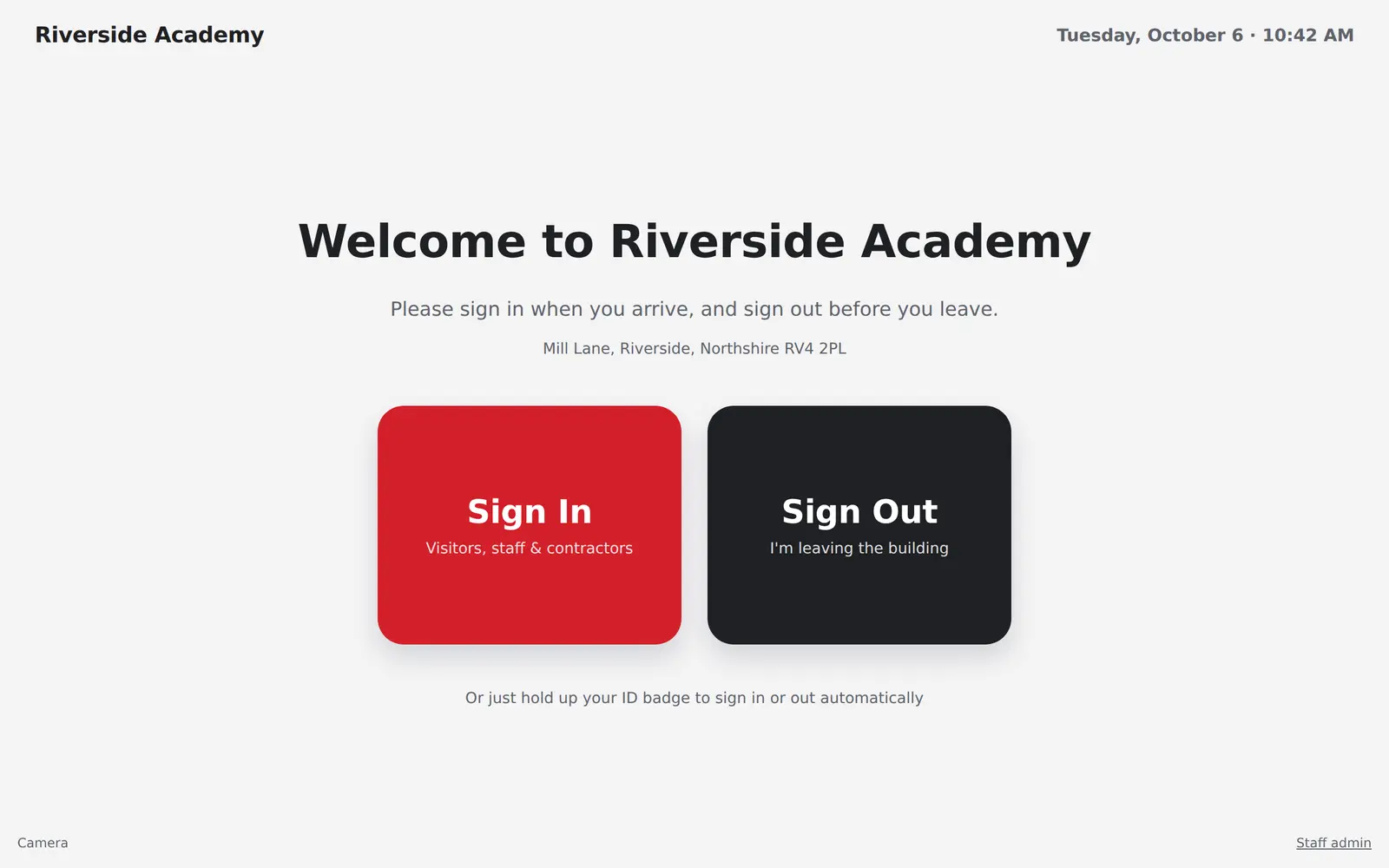
Sign in at reception
Visitors give their name, company, who they’re seeing and why, with a photo from the tablet camera. Staff and contractors use a PIN or hold up their ID card.
Safeguarding first
Show your safeguarding and site rules during sign-in, ask questions, and keep each visitor’s answers with their visit.
Pre-booked visitors
Staff book visitors in advance from their own portal, or by tagging an Outlook meeting, so arrivals are recognised straight away.
Visitor labels
A label prints at reception the moment someone signs in, with a QR code they scan to sign out.
Staff ID cards
Design your cards and print them on your own card printer, with photos and DBS status.
Host notifications
The person being visited gets an email or a Teams message as soon as their visitor arrives.
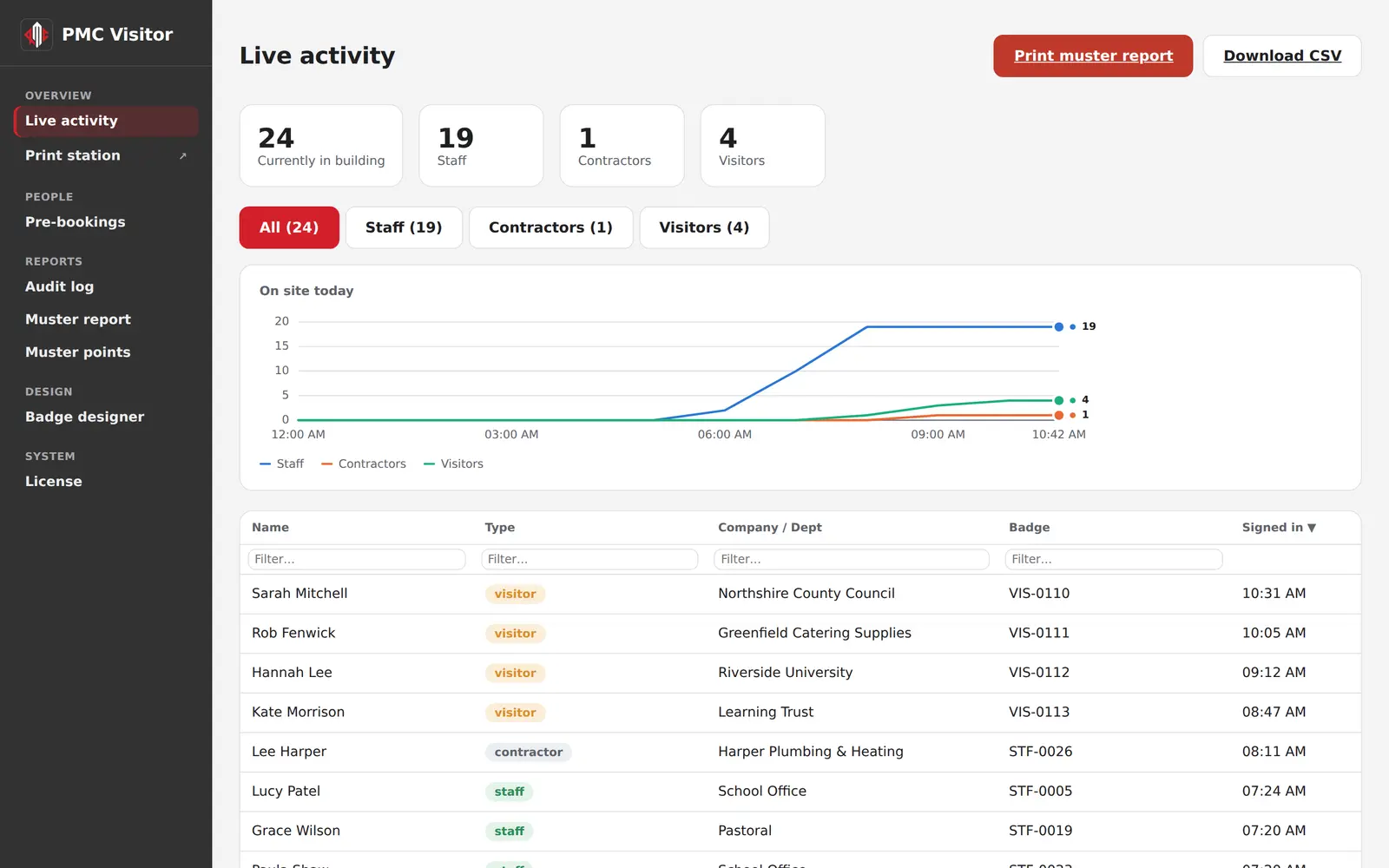
Fire register
A muster report of everyone on site, grouped by assembly point, ready to print or download in an evacuation.
End of the day
Sign everyone out at midnight if you want, and get an email listing anyone who forgot to sign out.
Roles and Microsoft 365
Give reception, the site team and safeguarding leads just the parts they need, with Microsoft sign-in and a staff list synced from Microsoft 365.
See it with a fictional school
The demo has a month of sign-ins, people in the building today and pre-booked visitors.