
School software that runs on your own server.

PMC People looks after your staff, from recruitment to leaving. PMC Visitor signs visitors, staff and contractors in and out at reception. Both run on a server you own, so staff and visitor records never sit in someone else’s cloud.

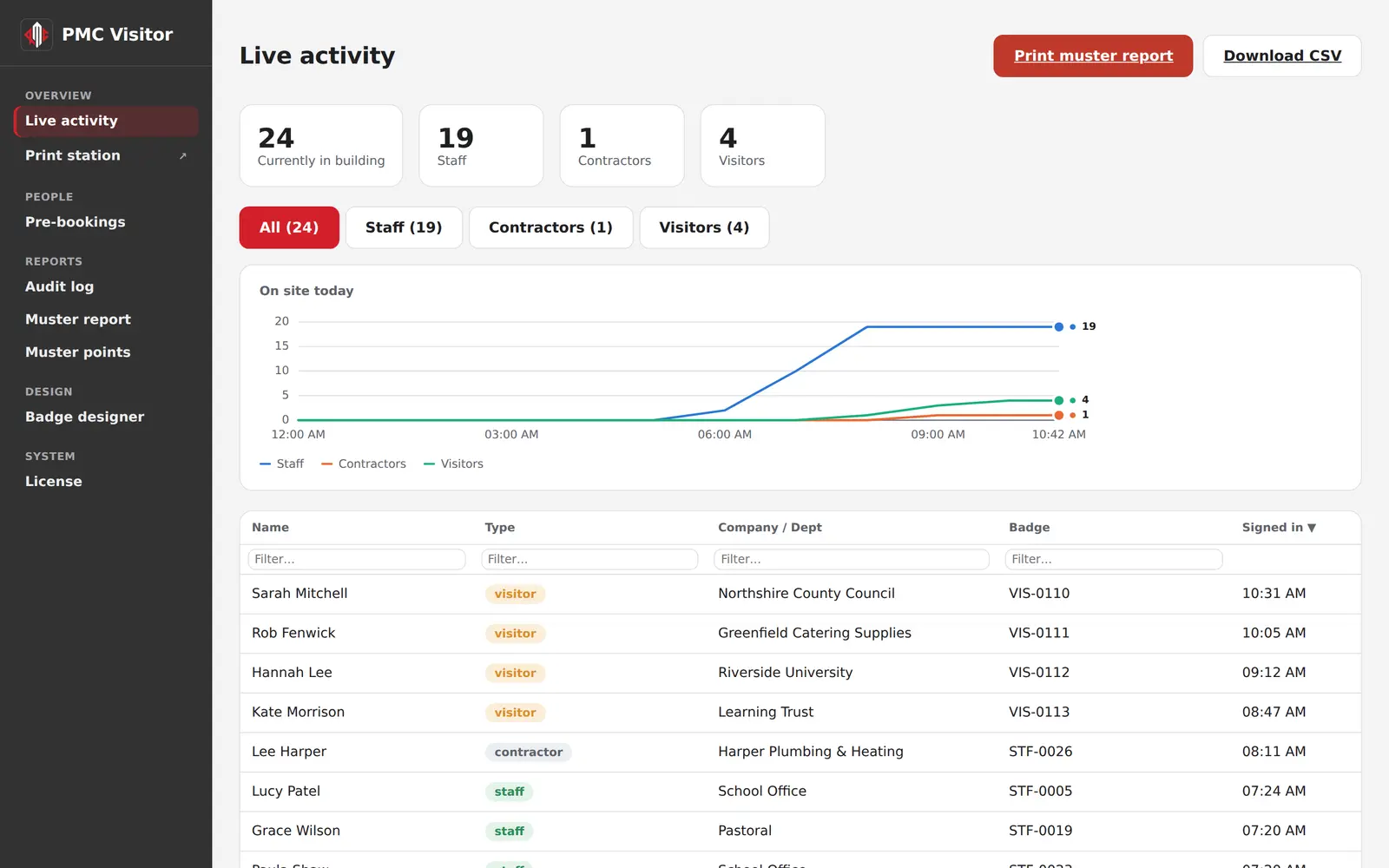
PMC Visitor's live activity page: 24 people in the building, split into staff, contractors and visitors, with a chart of the day so far and a list of everyone signed in.

Products

PMC People

HR for schools and businesses, built around UK employment law and what Ofsted and the DfE ask for.

  • Staff records, leave, sickness absence and return-to-work interviews
  • Single central record with every KCSIE check, ready for inspection
  • Recruitment, references and onboarding before day one
  • Casework following the ACAS Code, appraisals and teacher pay
  • The School Workforce Census file, built from your records
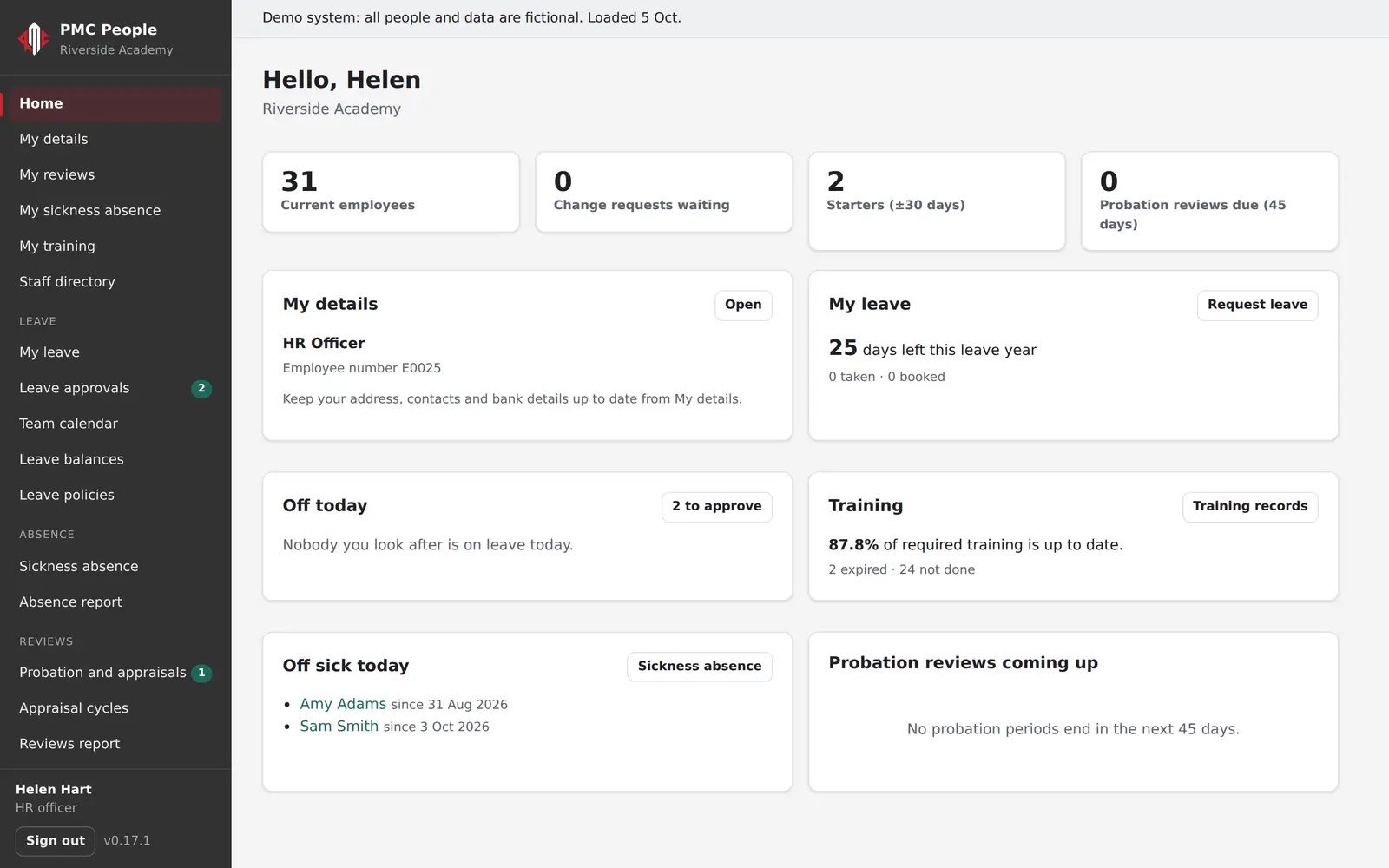
PMC People's home page for an HR officer: current employees, starters, leave to approve, staff off sick today and training that is up to date.

PMC Visitor

Visitor, staff and contractor sign-in on a tablet at reception, with badges and a fire register that is always up to date.

  • Sign in on a tablet, with a photo and your safeguarding information
  • A visitor label printed the moment someone arrives
  • Staff ID cards printed on your own badge printer
  • The host gets an email or Teams message when their visitor arrives
  • A muster report of everyone on site, one click away in an evacuation
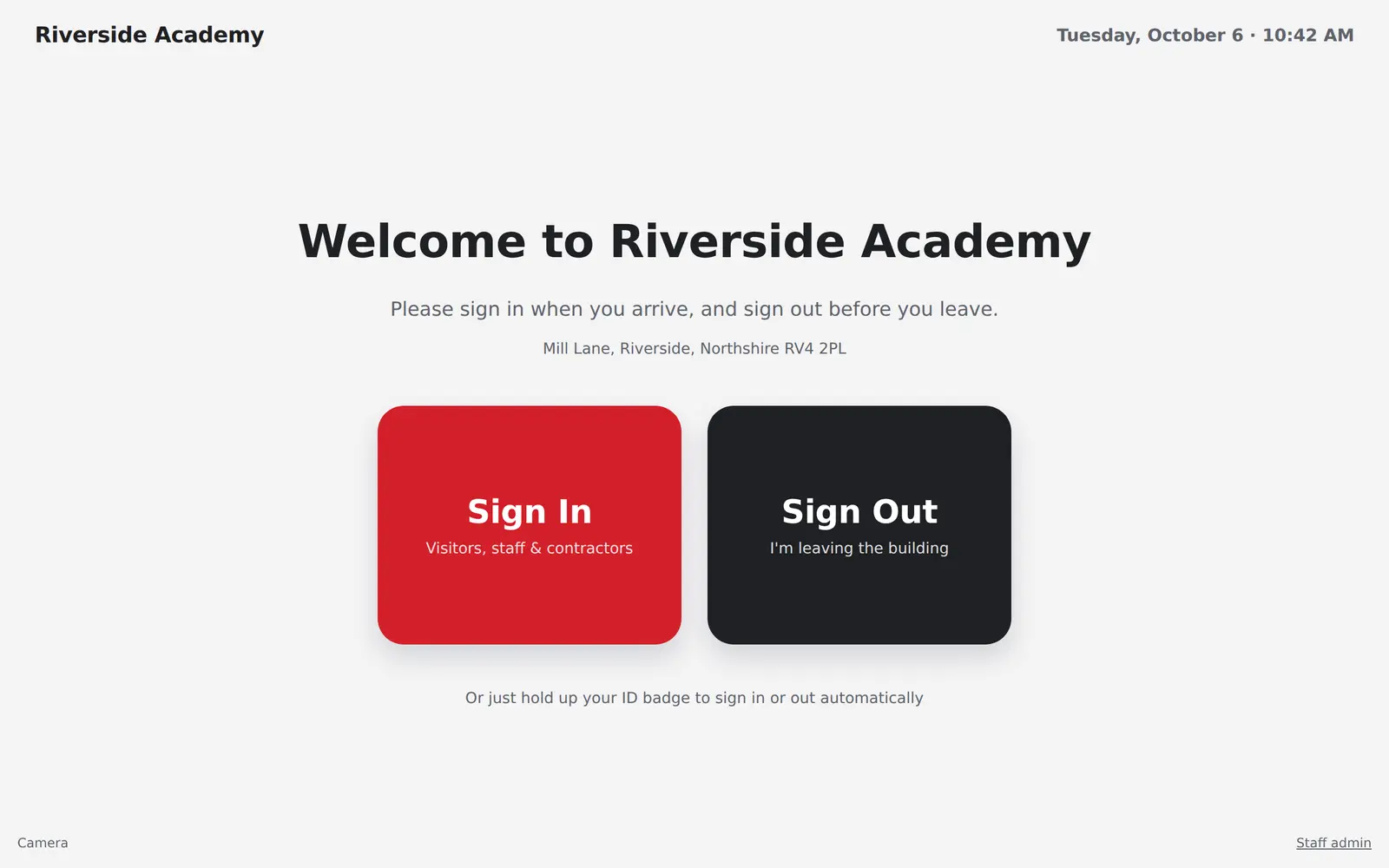
The PMC Visitor kiosk screen at reception, with large Sign In and Sign Out buttons under the school's name and address.

Why on your own server

Most school systems keep your records on the supplier’s servers. Ours run on a server in your school, your trust or a hosting company you choose.

Your records stay with you
Staff files, pay details and visitor photos are on a server you control. Sensitive details are encrypted, and every change is in an audit log.
It keeps working when the internet doesn’t
Reception keeps signing people in over your own network. The licence checks in with us once a day, with a generous grace period if your connection drops.
Updates with one click
New versions appear in Admin > Updates. Your system checks each one was signed by us, backs up first and rolls back by itself if anything goes wrong.
Works with Microsoft 365
Staff sign in with their school Microsoft accounts, and emails go out from your own mailbox.

How buying works

Prices depend on the size of your school or organisation, so every order starts with a quote.

  1. Ask for a quote

    Tell us which products you want and roughly how many staff you have.

  2. Pay how suits you

    Send a purchase order and we’ll invoice you, or pay the quote online by card.

  3. We help you install

    An installer sets everything up on your server. We can do it with you over a call.

  4. Updates and support

    Updates come with your licence, and you can log a support request any time.

See it with a fictional school

Both demos are full of realistic, made-up staff and visitors. Sign in as HR, a line manager, reception or a member of staff.